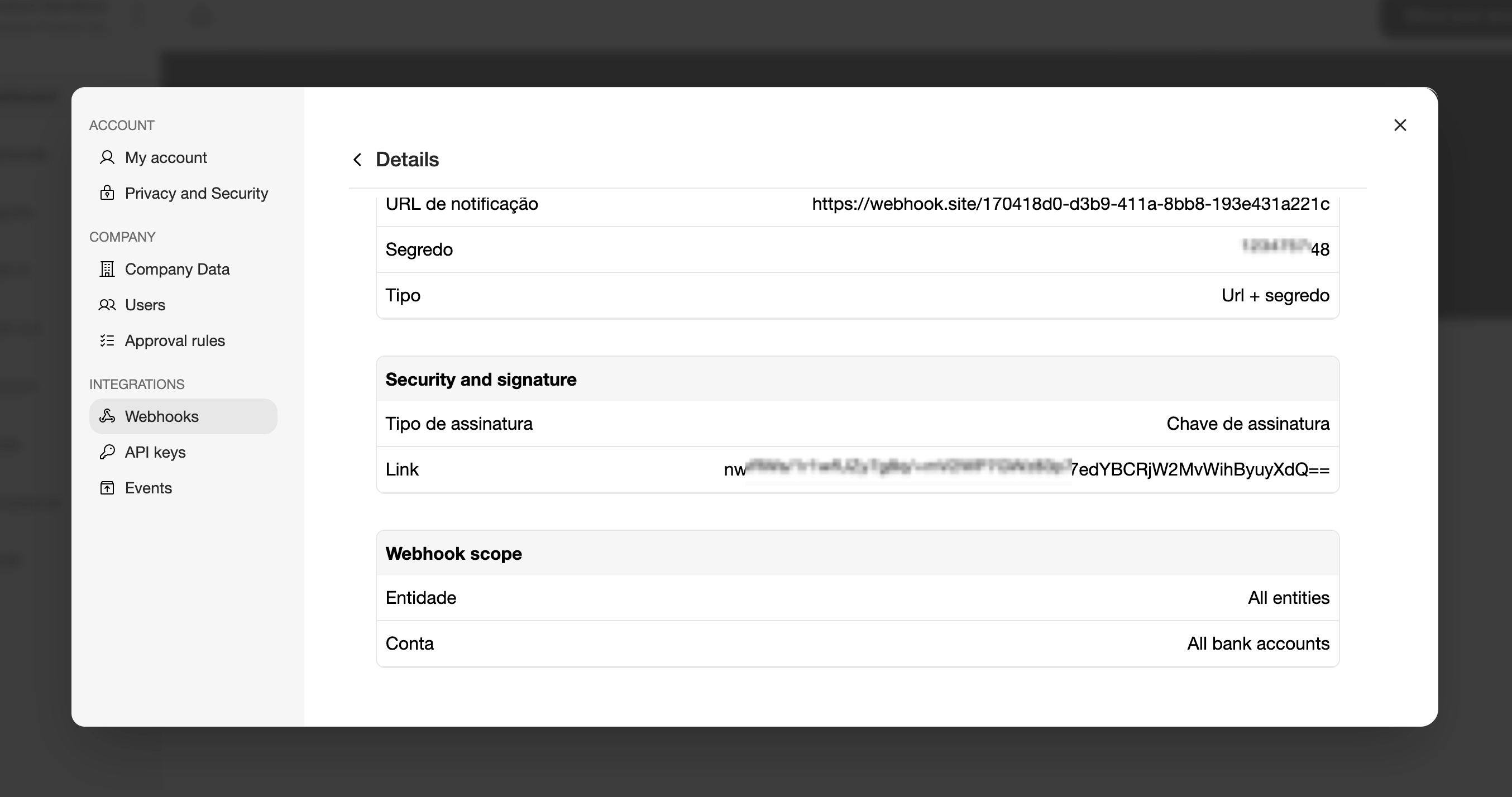
Webhooks allow Trio to notify your application whenever an event occurs, eliminating the need to constantly poll the API for updates. To create your first webhook, follow the steps below.
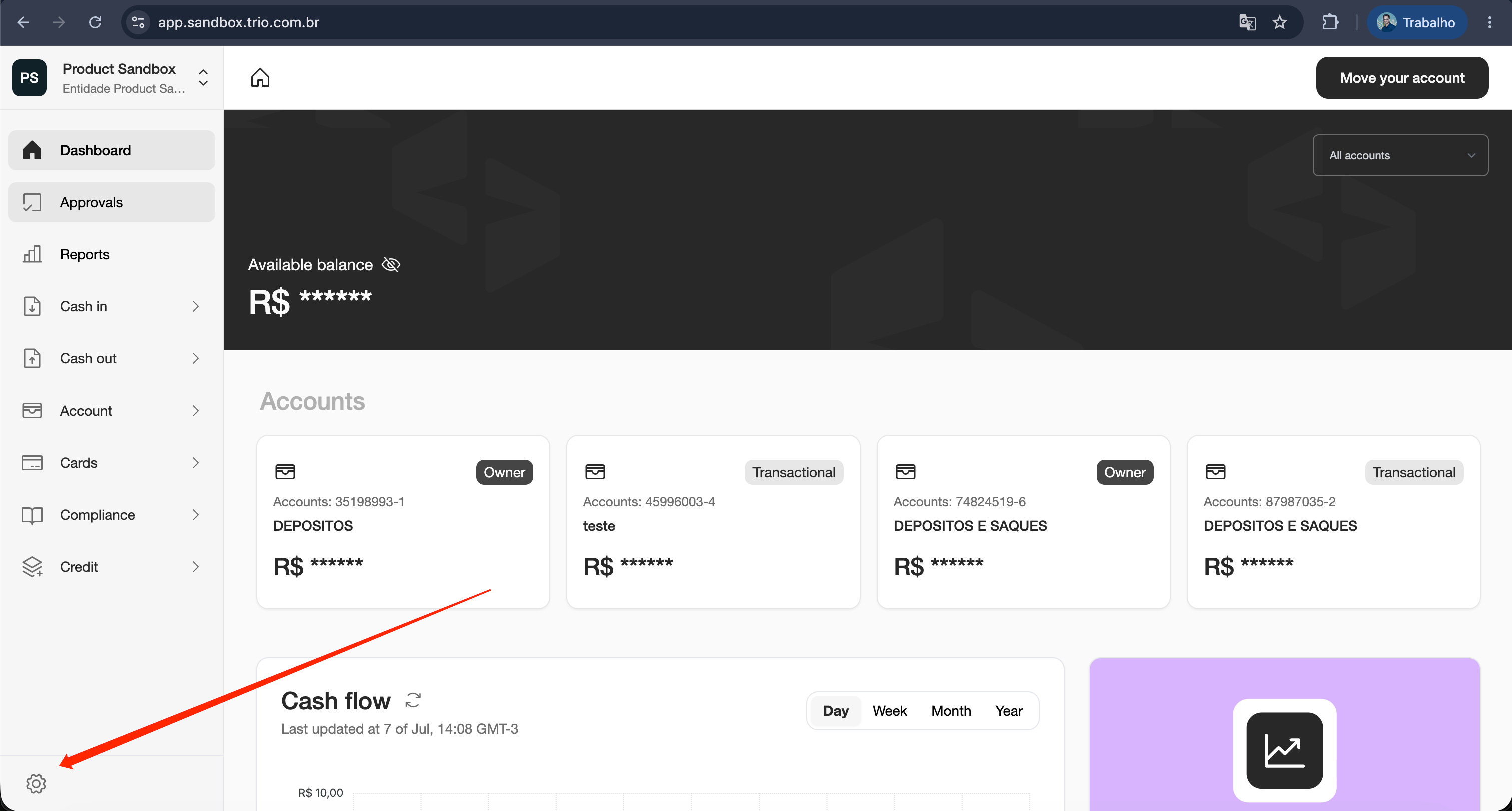
- In the lower-left menu, click the Settings icon;
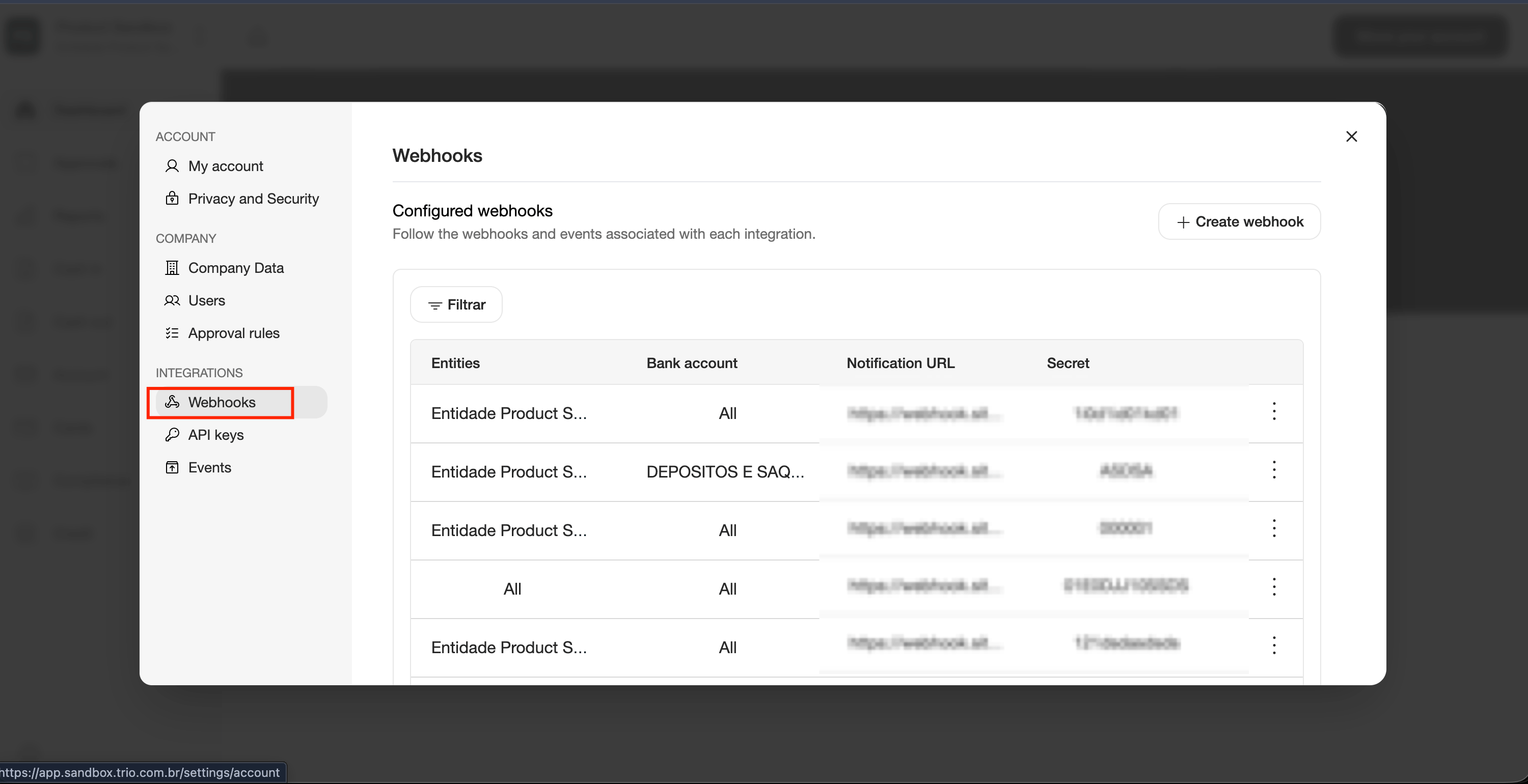
- In the dropdown menu, select “Webhooks”;
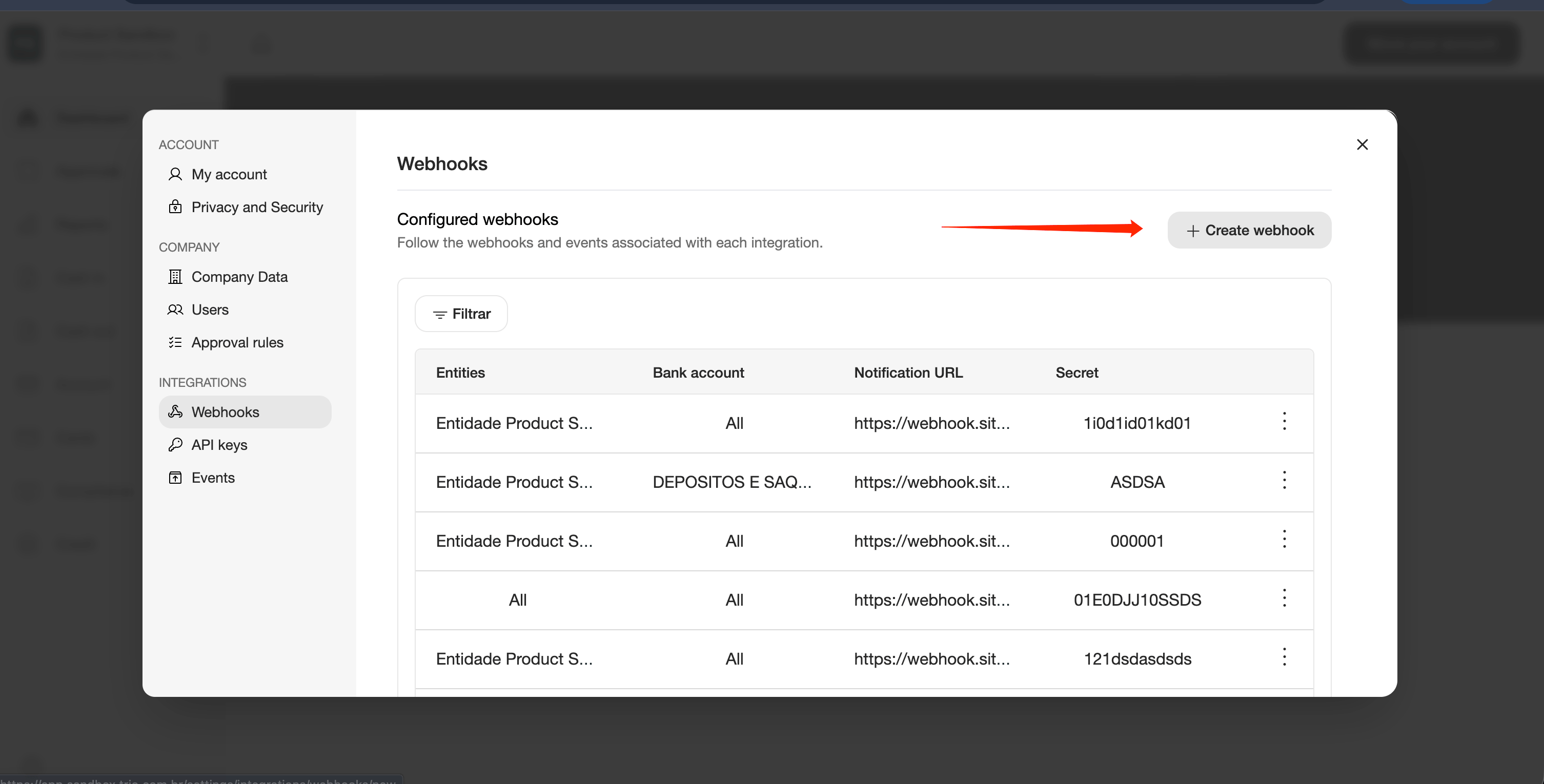
- Click “Create Webhook”;
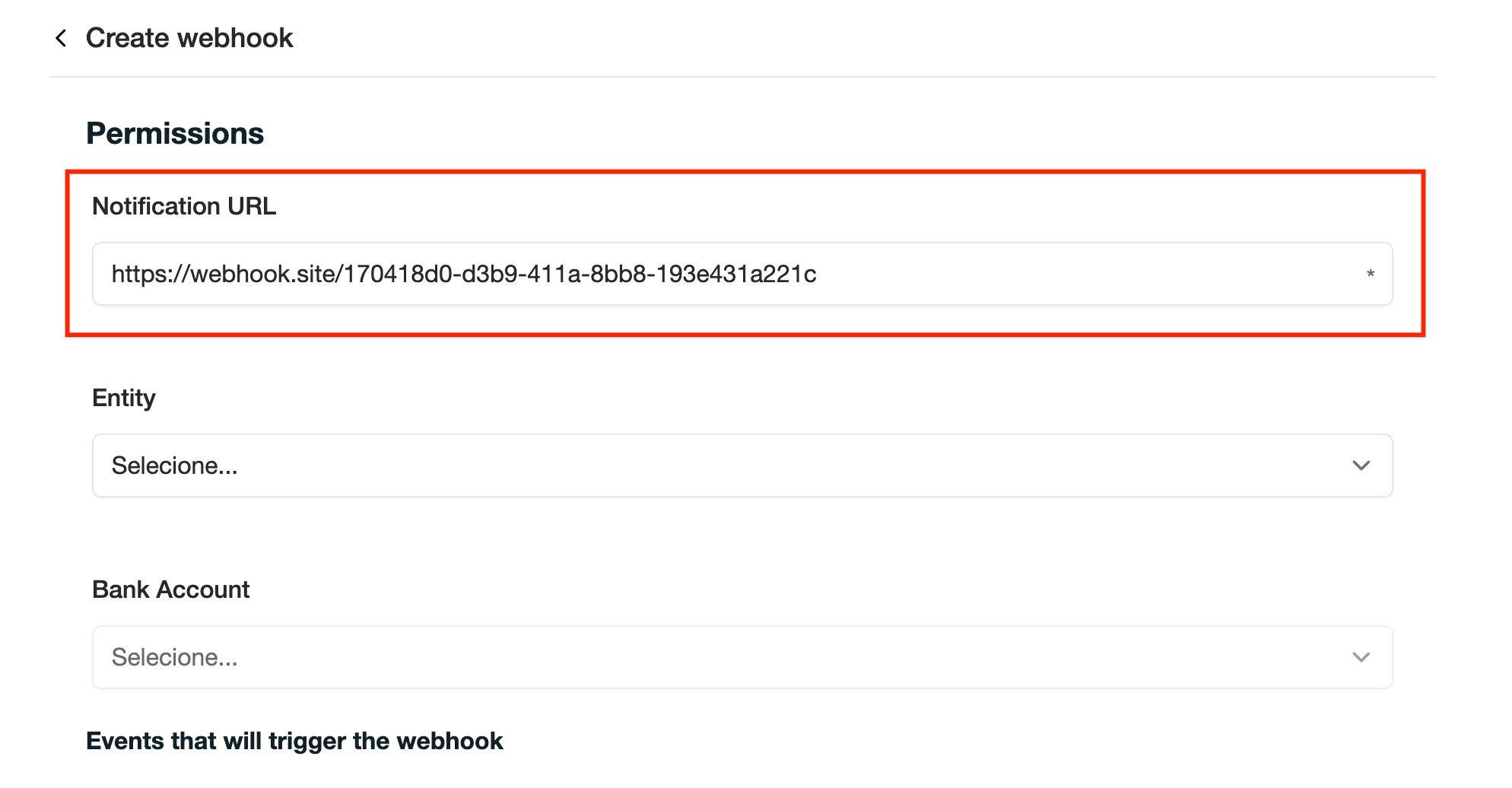
- Fill in the Notification URL.
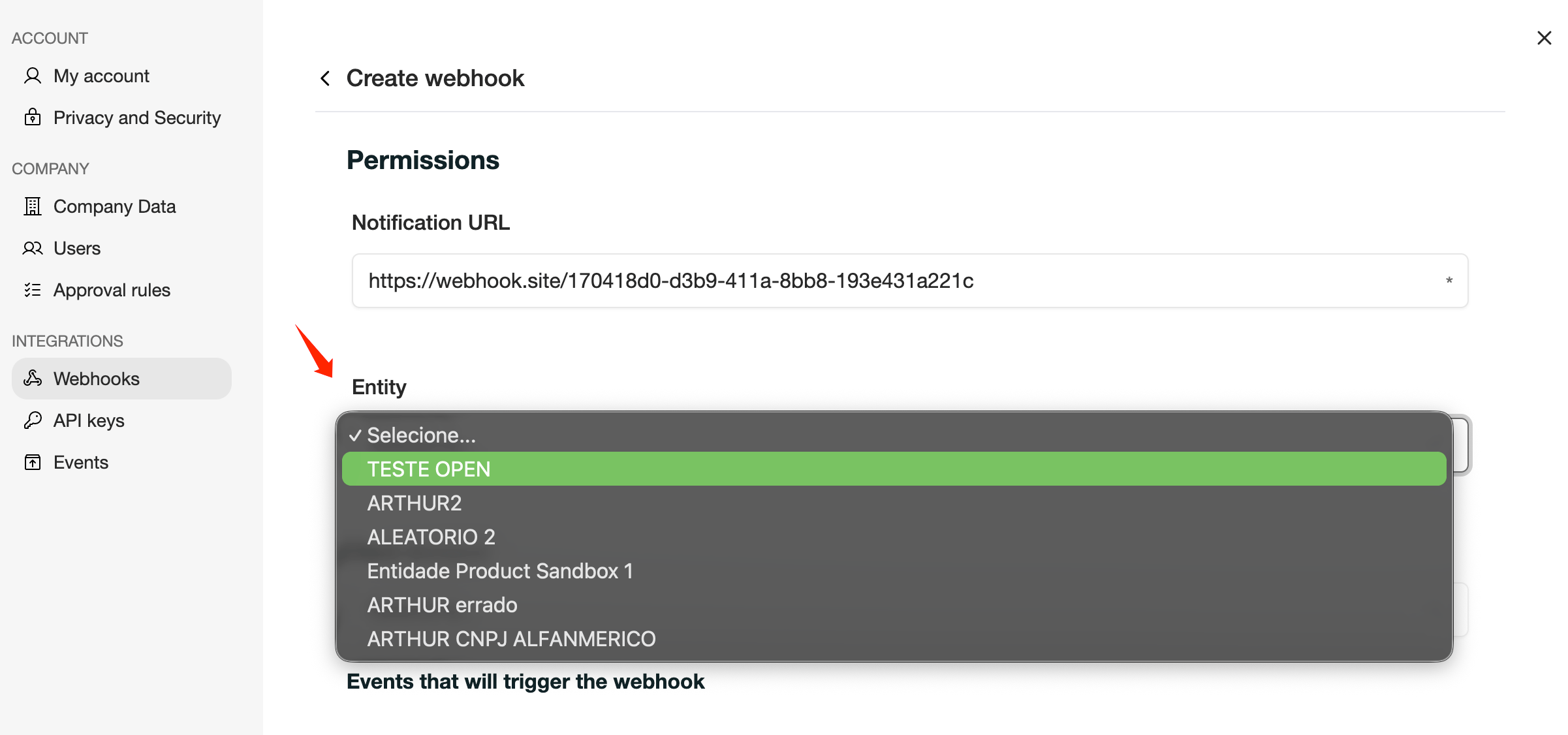
- (Optional) Select an Entity.
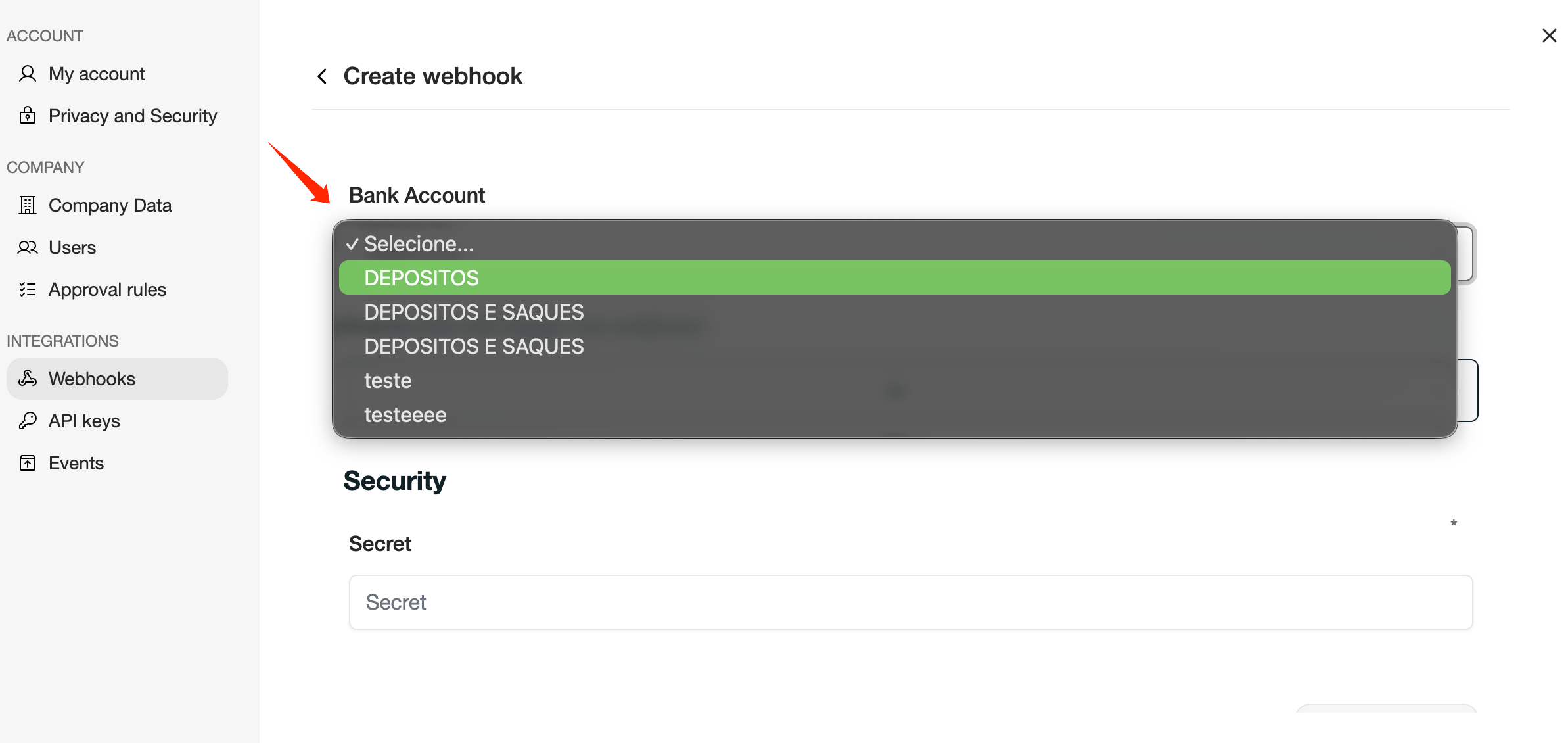
- (Optional) Select a Bank Account.
- Select the Events that will trigger the webhook.
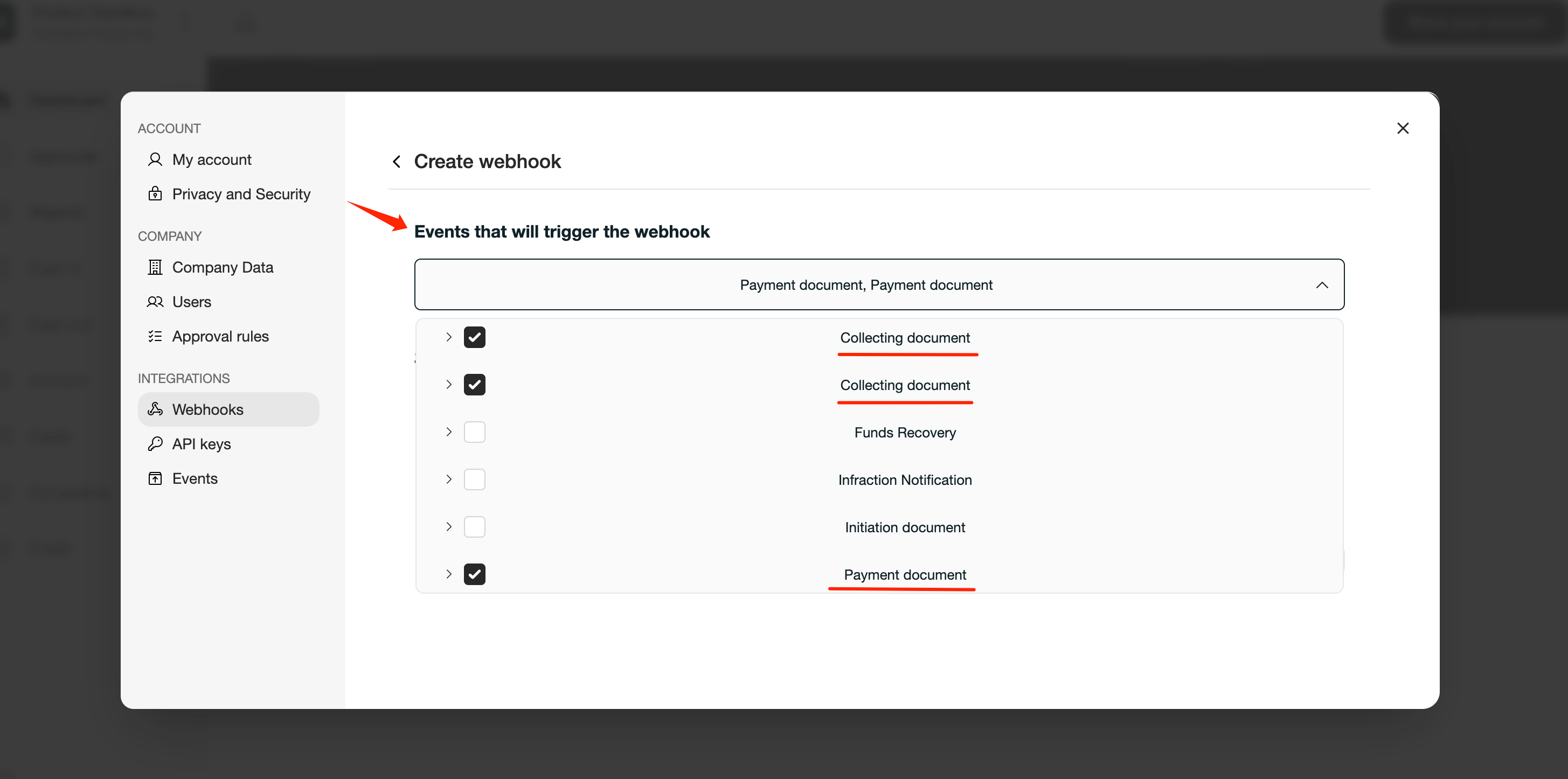
- Payment Document (Pix Cash Out)
- Collecting Document (Pix Cash In)
- Enter a Secret.
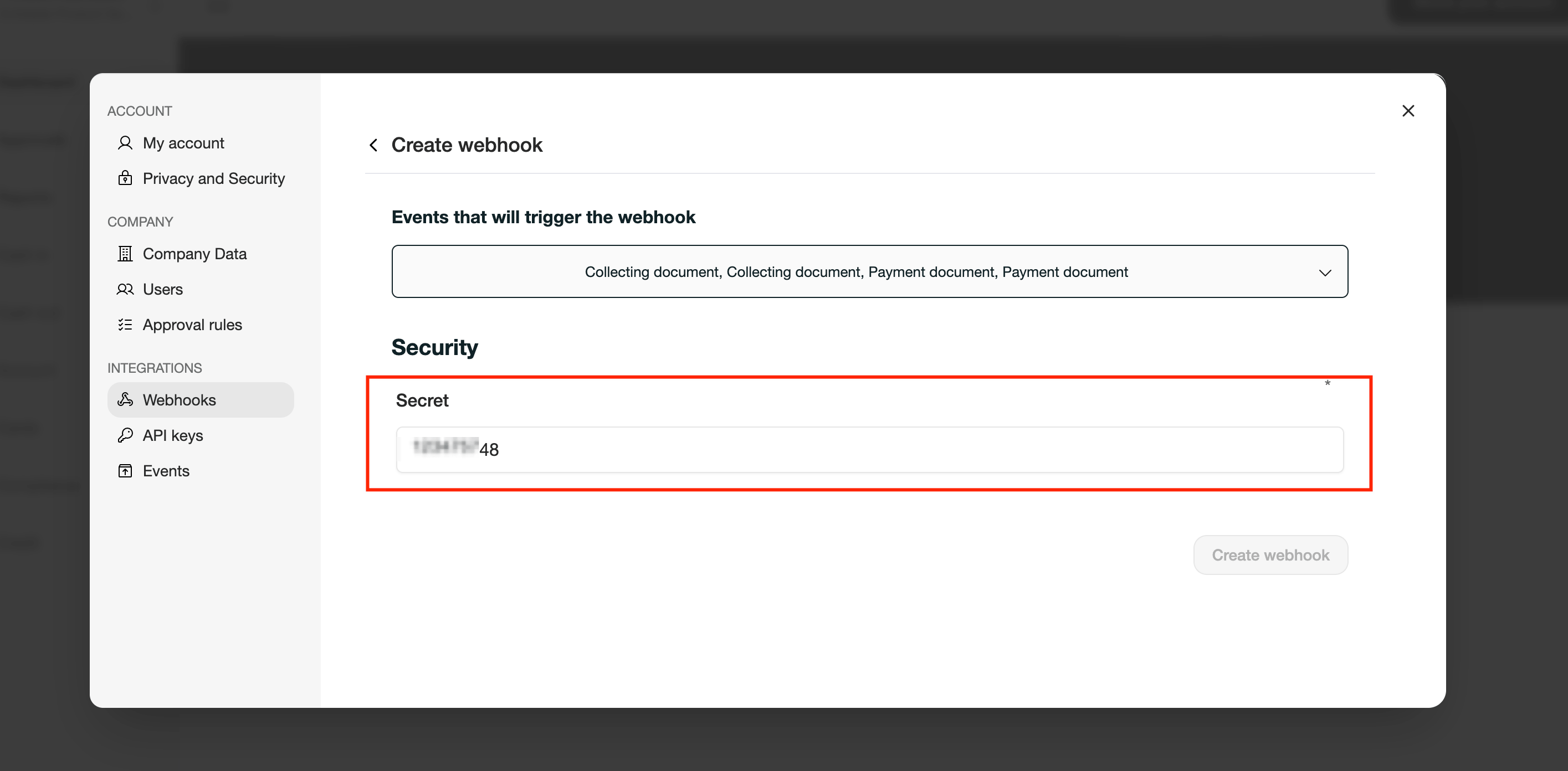
- the request was sent by Trio;
- the payload was not modified during transmission.
- Click Save Webhook.
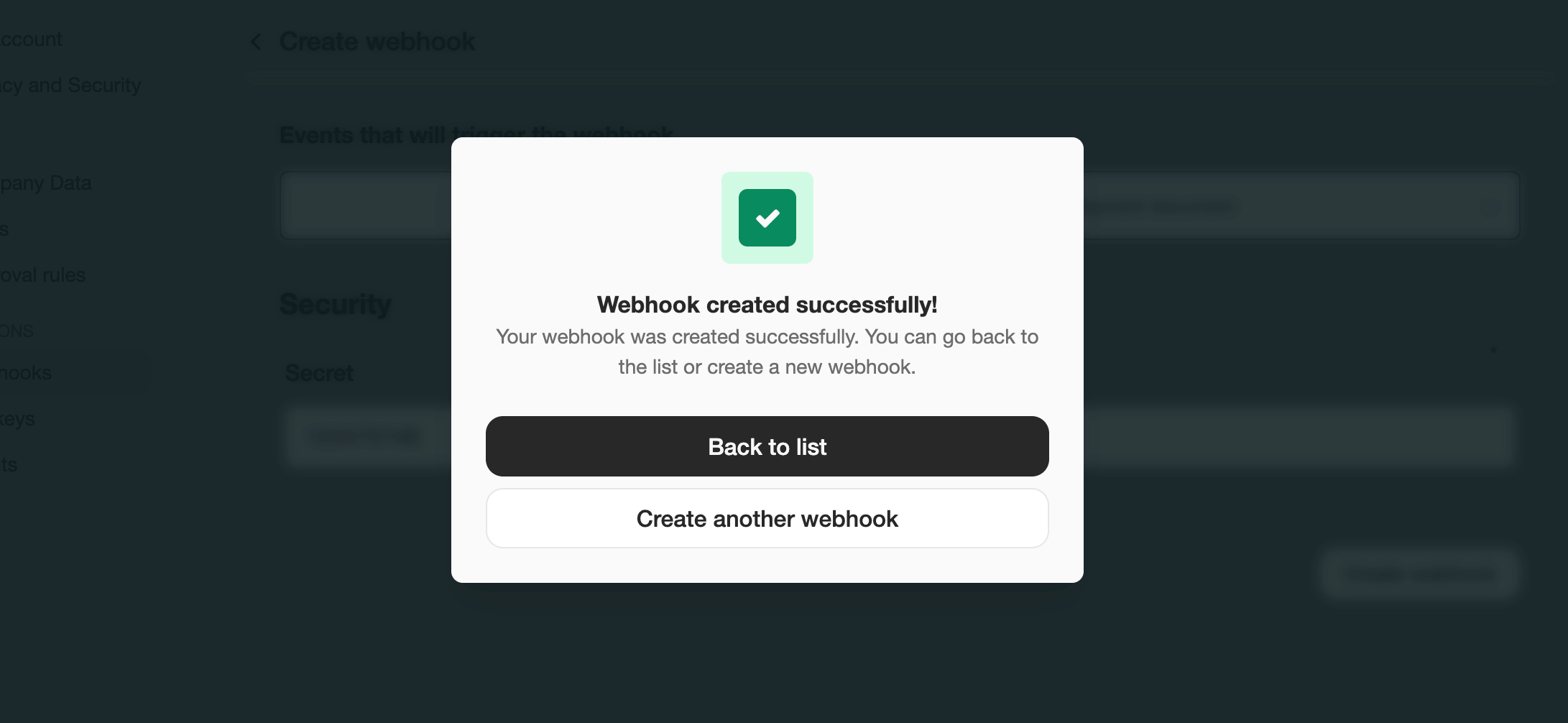
- Save the webhook secret in details